A graphical interface for Claude Code
Claude Code is Anthropic's command-line tool for coding with Claude. Osiris puts a desktop interface on top of it: a window of its own on Windows, macOS and Linux, with chats instead of a prompt, sessions you can find again and your own notes as context. The work is still done by Claude Code, with your own access. Osiris has no AI model of its own and is not made by Anthropic.
What stays Claude Code
- Your own login — a Claude plan that includes Claude Code, or an API key. Osiris uses the sign-in Claude Code already has.
- Your own bill — Anthropic bills the usage directly. Osiris sells no tokens and adds no mark-up.
- The same engine — for every message Osiris starts
claude -p --output-format stream-jsonwith--mcp-configand--permission-mode, and reads the stream as it comes in. - Your CLAUDE.md — it keeps working outside Osiris, in Claude Code in any terminal.
A chat instead of a prompt
Answers appear while they are being written. What Claude Code does on the way is shown the way Claude Code shows it:
- Diffs for file changes and the output of the commands Claude runs
- Tasks and plans — the to-do list of the current job stays pinned at the top while it runs
- Questions Claude asks you, and the steps of subagents
- A stop button, and attachments: images, Markdown and text files
Before you send, you pick the model, the effort and the permission mode — ask each time, accept edits automatically, plan first, or auto. When Claude needs your permission, the chat shows a card: allow once, always allow in this chat, or deny. The desktop app has no setting that lets Claude skip permissions entirely. The list of models follows what Claude Code offers.
Sessions you can find again
Every chat is stored on your computer, in a local SQLite database. In the sidebar, pinned chats stay on top and the rest are grouped into today, yesterday, the last seven days and older — or by project, if you prefer. Ctrl+K opens a search across chats, projects and actions. You can rename a chat, pin it, copy any message and have an answer generated again.
Context Claude Code doesn't have on its own
Osiris gives every chat what you have written down and what earlier conversations taught:
- The Ultrabrain — your rules, notes and decisions as linked Markdown files. Every chat starts Claude Code with the Osiris MCP server via
--mcp-config, so Claude can search and read it. - The Memory — earlier conversations, condensed into wiki pages. Its map goes along with your message, and Claude fetches the pages it needs. How that works: an LLM wiki instead of RAG.
- CLAUDE.md sync — for repositories linked to a project, Osiris keeps a rule block in their
CLAUDE.mdup to date, so Claude Code knows the rules even when you start it without Osiris. - The same server elsewhere — under Settings → Claude, one button each registers the Osiris MCP server with Claude Code in your terminal and with the Claude desktop app.
The whole picture is on Claude Code with memory.
Prefer the terminal?
Then type osiris in the terminal built into Osiris. It starts a session in the style
of Claude Code — streamed answers, indented tool steps, questions, Shift+Tab
to switch the mode and slash commands such as /model and /memory — with
the name and design of Osiris, and with the Ultrabrain and the Memory behind it. The command exists
only in the built-in terminal, not in your system's PATH.
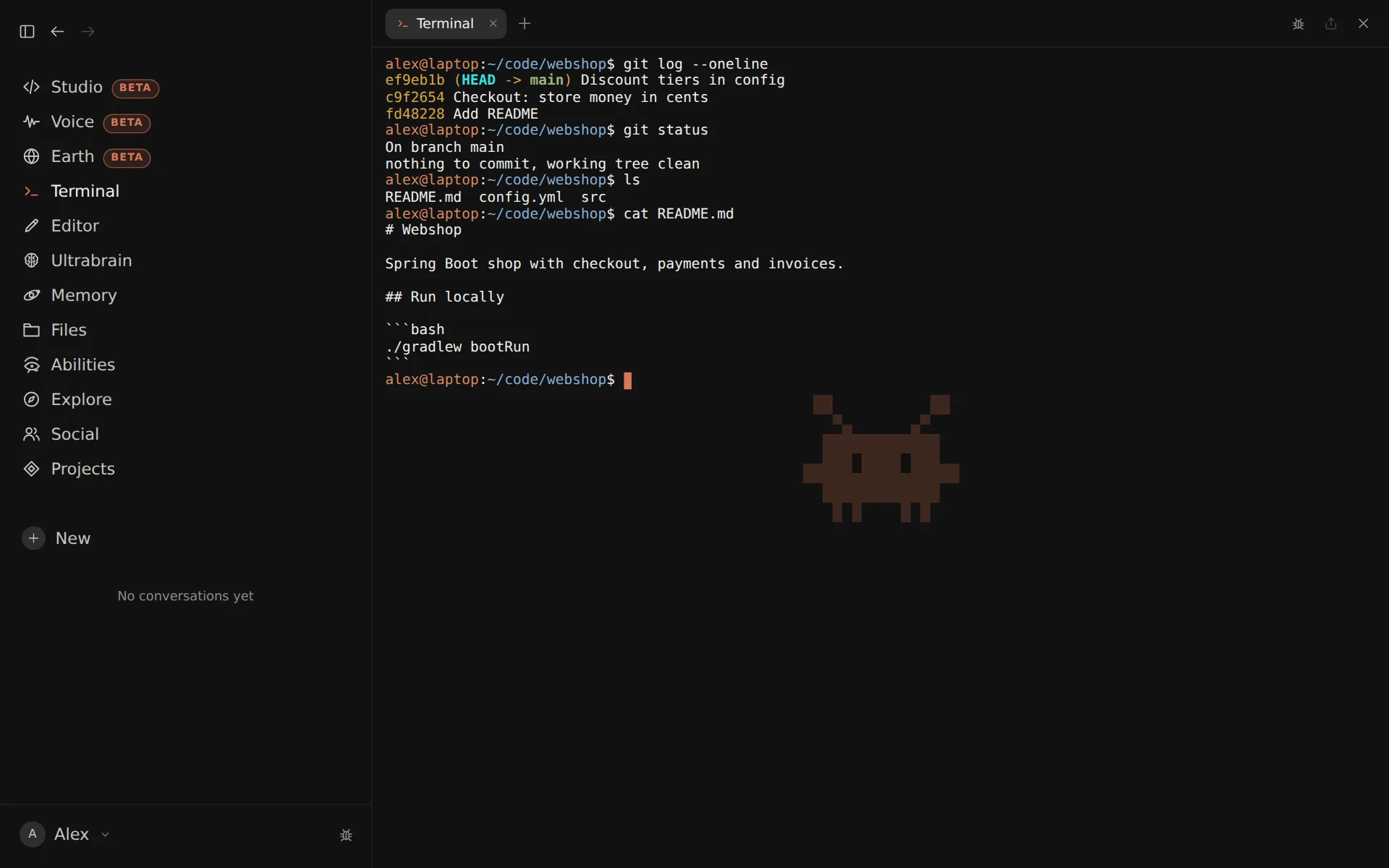
On macOS and Linux, claude in the same terminal is still Claude Code itself. On
Windows, where the built-in terminal runs in line mode, claude leads into the Osiris
session as well. More on the editor and the terminal in Osiris.
Code right next to it
For projects there is Studio (beta): your code in IntelliJ or VS Code style, on the same files as your IDE, with a chat with Claude on the right that knows which project is open. More on Studio for Java projects with Maven and Gradle.
Setting up
- Osiris — for Windows 10 and 11, macOS 12 or newer and Linux. Node.js does not have to be installed; the installer brings what Osiris needs.
- Claude Code — at every start Osiris asks Claude Code whether it is installed and signed in. If not, it shows the matching fixed command to copy and a button that opens a terminal with it: on Windows via WinGet, on macOS and Linux with the installer from claude.ai.
- Sign in — with
claude auth login, using your Claude account or an API key. For Windows there is a step-by-step guide: installing Claude Code on Windows. - Osiris account — Osiris needs an account; the trial asks for no payment details.
Limits
- No tools without the CLI — Osiris can also talk to the Anthropic API directly with an API key, but that way it gets text only: no file changes, no commands.
- The terminal on Windows runs in line mode: no tab completion, Ctrl+C does not stop a running command, and full-screen programs such as vim or Claude Code's own interface belong in the system terminal.
Osiris and Anthropic's own apps
Anthropic offers its own apps for Claude and Claude Code; what they do is described on Anthropic's Claude Code page. Osiris is an independent product built on Claude Code.
Claude and Claude Code are trademarks of Anthropic PBC. Osiris is an independent product, is not affiliated with Anthropic and is neither endorsed nor sponsored by Anthropic.